 Notem
Notem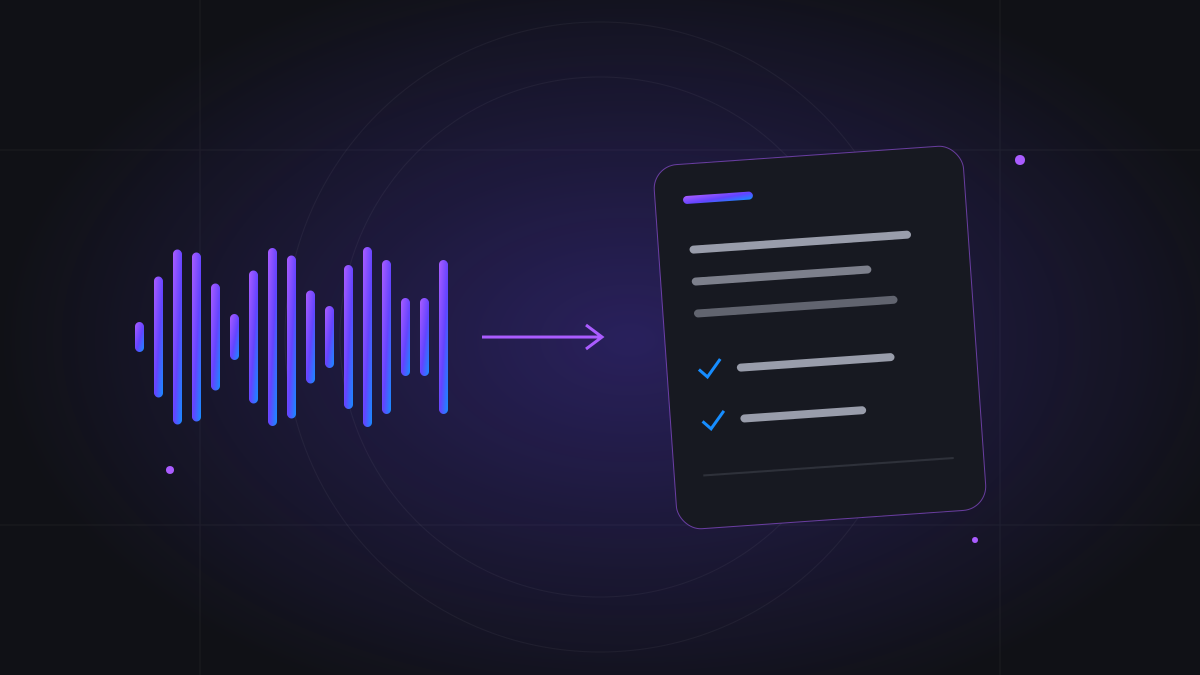
Why manual meeting notes are difficult
Taking notes and participating in a discussion compete for your attention. While you write down one answer, the group may already be weighing another option. The result is often a document full of short phrases that made sense at the time but lack the context you need a week later. Trying to capture every sentence can also make it harder to ask useful follow-up questions.
The goal of automatic meeting notes is to preserve enough detail for review while giving you space to listen. That does not remove your responsibility to understand the discussion. It gives you a record to check when you are unsure whether a deadline was agreed, an idea was merely suggested, or a question was left open.
How AI notetaking works
A typical workflow has three steps: capture audio, transcribe speech, and organize the transcript into notes. The transcript is the conversation in text form, often divided by speaker and timestamp. The summary is a shorter interpretation of that record. Decisions and action items should describe commitments supported by the conversation rather than fill in missing details.
These outputs serve different purposes. A summary helps you recall the meeting quickly. Key notes preserve the subjects discussed. A transcript lets you revisit the wording around a disputed point. Use each at the right level of detail instead of treating an AI summary as a complete substitute for everything that was said.
Choose the right recording method
For an online meeting, Notem can join supported Google Meet, Zoom, or Microsoft Teams links. Connect Google or Outlook Calendar and enable eligible meetings for automatic attendance, or paste a supported link to invite your notetaker manually. A host may need to admit the bot, and meeting settings or an organization's policies may prevent it from entering.
For an in-person discussion, Live Notes records through your browser microphone and processes the conversation afterward. If you already have an audio recording, the upload workflow is another route to a transcript and notes. Choose the method that captures the actual speakers clearly; recording a laptop microphone is not the same as directly capturing every participant in a remote call.
Prepare before the discussion starts
Tell participants that the conversation will be recorded and get the permissions required for your setting. Check the meeting link, the account's available allowance or balance, and the host's admission arrangements. For microphone recording, put the device where it can hear everyone, reduce background noise, and avoid placing it beside a loud fan or speaker.
A little structure improves the record. State the meeting's purpose, introduce speakers where useful, and say important names or technical terms clearly. You do not need to change a natural discussion into a script. Simply make it easier for people—and the transcription system—to tell which topic is being discussed and when the group has reached a decision.
Turn the transcript into organized information
After processing, Notem's workspace brings the transcript and generated outputs together. For professional meetings, those outputs include a summary, key notes, decisions, and action items. Interview and student notes profiles organize information for their respective use cases; a lecture should focus on concepts rather than manufacture workplace tasks.
Readable transcripts can reduce the effort of scanning speech, but readability is different from factual accuracy. Names, acronyms, overlapping voices, accents, and numbers may still need attention. If an important sentence looks surprising, inspect the surrounding transcript before forwarding a summary or using it to make a commitment.
Review decisions and action items
A useful review starts with the parts that affect other people. Does an action item have the right owner? Was its due date actually stated? Is a decision final, or did someone ask for more research? Compare those details with the transcript, especially when a discussion included tentative wording such as ‘could,’ ‘probably,’ or ‘let's consider.’
Imagine a team discussing a release. ‘We might ship on Friday if testing passes’ should not become an unconditional Friday deadline. Good meeting notes keep the condition visible. When the conversation leaves ownership unclear, clarify it with the team rather than assuming the person who spoke last accepted the task.
- Check names, dates, amounts, and technical terms.
- Distinguish confirmed decisions from proposals.
- Confirm owners before treating action items as assignments.
- Keep unresolved questions visible for the next meeting.
Build a habit around the notes
Review the outputs soon after the meeting while the context is fresh. Give the meeting a recognizable title, use search when returning to a subject, and share the relevant notes when others need the outcome. A consistent routine is more useful than collecting a large archive that nobody consults. Start the next meeting by reviewing the previous decisions and open questions.
Notem's share links are for generated notes rather than the owner-only transcript. That distinction is useful when colleagues need the outcome without the full conversation. Think about the audience before sharing: an internal brainstorming summary may include ideas that are not ready for a customer or a wider group.
Pick a payment model that fits your meetings
The current free trial covers up to seven successfully processed meetings within seven days, whichever limit is reached first. Afterward, Notem offers monthly minute allowances and Pay-As-You-Go through Notem Balance. Basic is $8 per month for 1,000 recorded minutes, and Pro is $18 for 2,500 recorded minutes per month. Paid subscription usage follows the recorded duration of successfully processed meetings, rounded up separately to a whole minute for each meeting. Monthly renewal charges again and resets the minute allowance; unused minutes do not roll over.
PAYG is $0.01 per started billable minute and requires no recurring subscription. For online capture, the meter follows billable meeting-bot time, which can include waiting time for an admitted bot. Uploads and Live Notes use recorded audio duration. Compare your likely number of meetings and their billable duration before choosing; the most convenient model depends on your own usage.