 Notem
Notem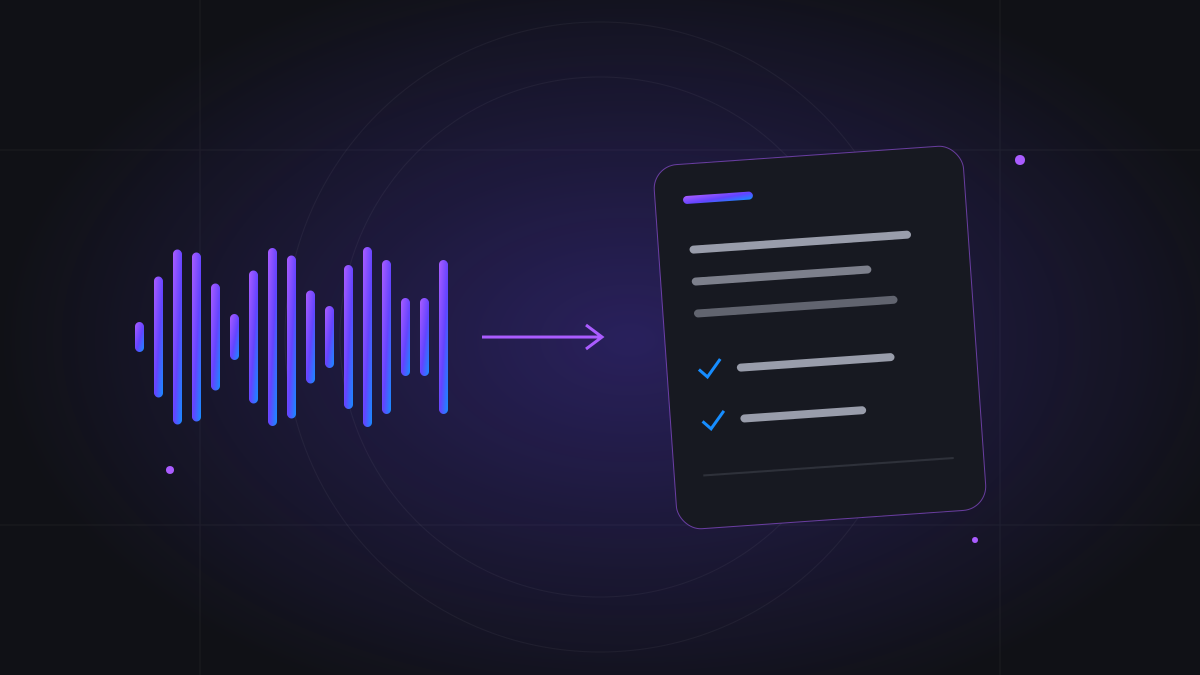
How in-person AI notetaking works
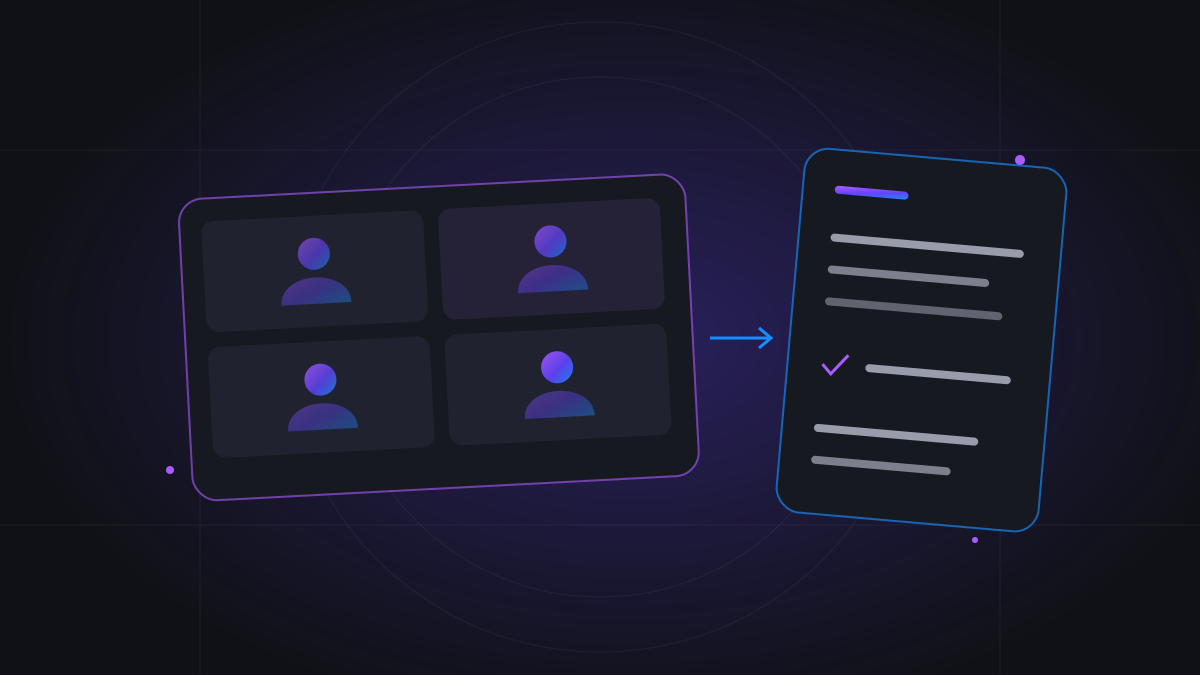
The process has three distinct stages: audio capture, transcription, and note generation. Your device microphone captures the room; speech recognition converts what it hears into text; the notes stage organizes that text for review. A live transcript can appear while people speak, but final notes are produced after the session ends. Clear distinctions matter because a sentence on screen is not proof that the complete conversation has been captured or processed. Check the session’s status and review its finished output rather than assuming the live preview is the final record.
What you need before starting
Use a browser and device with a working microphone, microphone permission, and a stable connection. Place the device where it can hear the participants instead of choosing the most convenient charging point. A small quiet room is usually easier to capture than a noisy café or a long table with speakers at opposite ends. Test speech from the furthest seat and listen for background interference. Notem’s browser workflow does not require installing a meeting bot for an in-person discussion, but it still depends on the operating system and browser allowing microphone capture.
Choose Meeting, Interview, or Lecture/Class
Give the session a recognizable title and select the purpose that matches the conversation. Meeting fits a discussion with decisions and follow-ups. Interview focuses the notes on the answers and examples that were discussed. Lecture/Class provides a study-oriented context. Choose concise or detailed notes according to what you will need afterward. A technical interview may require supporting examples; a short planning conversation may need only the essentials. These settings influence organization, but they do not guarantee that the microphone will identify every voice by name or that an unclear answer becomes understandable.
Tell people what you are recording
Make recording an explicit part of the conversation rather than a hidden background activity. Explain what will be captured, why you want notes, and who will receive them. Get the permissions required for your setting and follow the organization’s rules. Sensitive interviews, private consultations, and classroom discussions may require additional consideration. If someone asks to speak off the record, pause before they begin. Permission to record one meeting should not be treated as permission to record every future discussion. Clear expectations are practical preparation, not a problem that automatic transcription can solve afterward.
Capture the discussion without turning it into a script
Introduce speakers where useful, state the subject, and make important names or deadlines clear. Keep the conversation natural, but avoid several people speaking over one another when an exact record matters. A microphone cannot separate voices perfectly in every room. If someone proposes a deadline, distinguish it from a confirmed commitment aloud. Those ordinary communication habits help participants as well as the notes. The goal is not to perform for the software; it is to reduce ambiguity that would also make the conversation difficult for a human listener to summarize accurately.
Pause and End mean different things
Pause temporarily stops recording while keeping the session available to continue. End finishes the session and begins finalization so the saved content can be processed. Do not leave a discussion paused and expect completed notes to appear automatically. Wait for the page to acknowledge the transition before closing the recording workflow. Switching tabs alone does not intentionally pause capture, but device suspension or screen locking can interrupt the microphone. For a long conversation, keep the device awake and periodically check that the recording indicator and active recording time are advancing.
What if the browser disconnects or the session is interrupted?
An interruption means you should check the saved session rather than assume either total loss or complete recovery. Notem preserves saved speech and provides recovery controls for unfinished sessions. Some content may still be saved locally in the original browser, so keep that browser’s data while resolving the interruption. If transcript coverage is incomplete, the displayed recovery information distinguishes that condition from ordinary note processing. Recovering missing transcription from retained audio can incur provider charges and requires approval. Reopening a page is not the same as proving that every spoken interval has been recovered.
Why the finished transcript differs from the live preview
Real-time speech text can arrive in fragments, change as recognition stabilizes, and contain punctuation that does not yet read like a finished paragraph. Refinement requests a more readable transcript while preserving the captured meaning and languages. Non-Latin speech is requested in a Latin-script representation, rather than automatically translated into English. Generated notes then summarize the available content for the selected purpose. Neither stage should invent a missing answer or repair an inaudible recording by guessing. Check dates, money, names, and unusually important sentences before treating the output as a definitive account.
Share outcomes without distributing the whole conversation
After processing, review the summary, key notes, decisions, and action items that apply to your session. Notem’s share links expose generated notes rather than the owner’s transcript. That is useful when colleagues need a result without the entire spoken discussion. Review the notes before sharing, especially after an interview or a conversation containing customer information. A recipient can still copy information they receive, so choose the audience carefully. Use clear meeting titles and confirm task ownership with participants rather than assuming a generated action item creates an agreement that was never made.
How much do face-to-face notes cost?
Live Notes uses the recorded audio duration for PAYG rather than a calendar slot. At $0.01 per started billable minute, a thirty-minute recording costs $0.30 and a ninety-minute recording costs $0.90 before applicable tax. Monthly plans count successfully processed recordings by duration: Basic is $8 for 1,000 recorded minutes and Pro is $18 for 2,500 per month. The subscription charges again at monthly renewal and unused minutes expire as the allowance resets. The trial covers up to seven successfully processed meetings within seven days. Compare your expected session count and recorded duration to choose a payment model; occasional in-person discussions may not justify a recurring subscription.
Can AI replace a human note-taker in every room?
No tool can guarantee a complete, accurate record of every face-to-face discussion. Room acoustics, overlapping voices, quiet speakers, technical language, and interruptions affect the result. Keep human review for consequential decisions and use another authorized capture method when the environment is unsuitable. Notem retains transcripts for ninety days; generated notes remain available, while source audio has a seven-day baseline retention period. Do not treat that short-term audio storage as a permanent archive. The strongest workflow combines clear capture, participant awareness, a confirmed End, and a prompt review of the saved notes.